
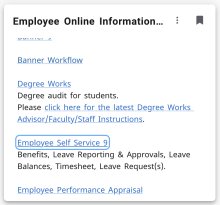
- Sign into MyFIT
- Click on “Employee Self Service 9”
- Maximize the “Job Summary” on the accordion menu
Click on “Job Information”
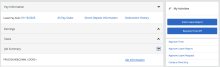
- Maximize the accordion menu under “Current Job.” You can see a history of salary changes, the Dates and Reason for Change.
